In spectator mode you play no country. The AI runs every one of them and you watch: any country, any screen, the whole map. It is a way to see how the world behaves when left alone, and a safe place to learn the interface before a campaign of your own.
Where to find it
Click NEW GAME on the main menu. On the country select screen, the title bar has two buttons, PLAY and SPECTATE. Click SPECTATE, then OBSERVE WORLD.
How it works
Starting
-
Switch to SPECTATE. The start button changes to OBSERVE WORLD and is available at once. You do not have to pick a country.
-
Choose where to look first, if you like. Clicking a country does not make it yours. It sets the country you start on, and a line in the country panel confirms it as “Starting view:” and the country’s name. With no country picked, the line reads “Starting view: largest economy”.
-
Set AI AGGRESSIVENESS. It decides how warlike the world you are about to watch is. DIFFICULTY has nothing to act on here, because all of its effects concern countries played by a human.
-
Click OBSERVE WORLD.
The screen opens in PLAY every time. Spectating is a choice you make per game.
What you see
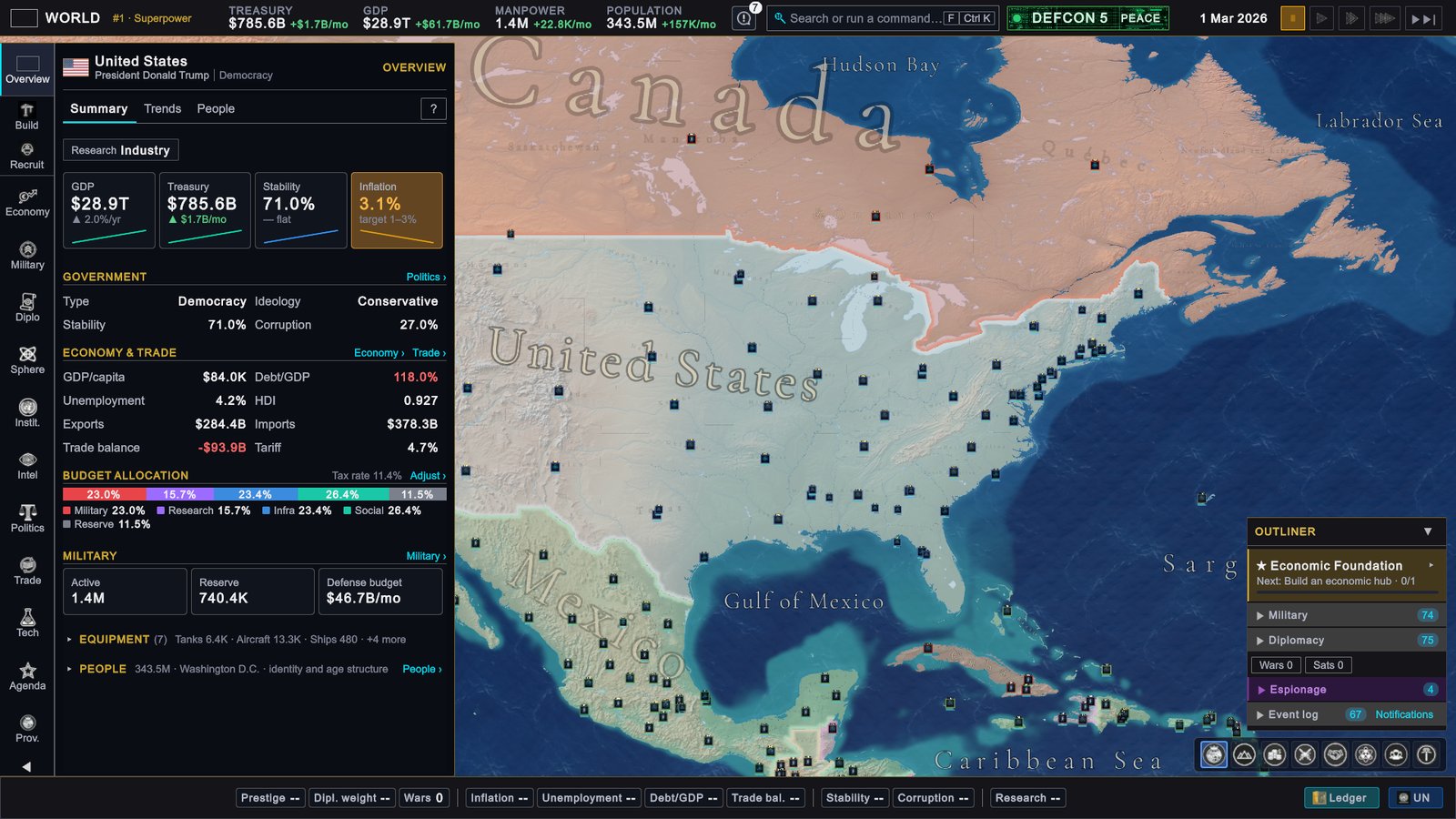
The top bar shows WORLD where your country’s flag and name would be. Everything else is the normal interface, pointed at one country at a time: the country in focus.
- You see that country as its owner would. Budget, research, construction, provinces, recruitment, politics and its units are all open to you.
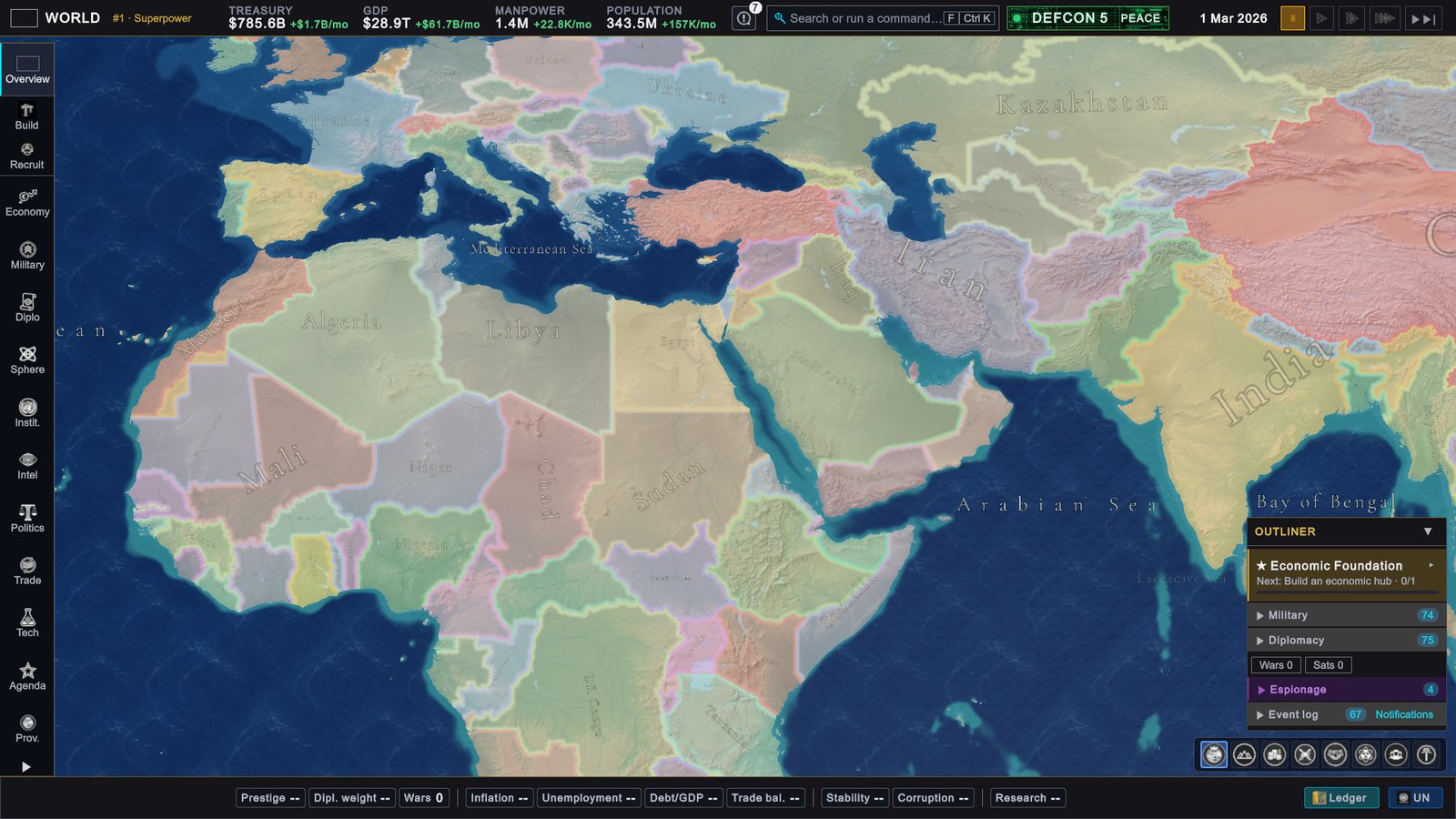
- The whole map is revealed. There is no fog of war for a spectator.
- Map modes follow the focus. The diplomatic map mode colours the world by the relations of the country you are watching.
- The Ledger works as usual. Every row can be opened.
To look at another country, click it on the map or click its row in the Ledger. Its card opens on the right with the same owner’s view. To move the sidebar and the rail pages to that country as well, open the menu at the top of the card, the button with three dots, and choose Inspect in sidebar.
What you can do
- Control time. Pause and change speed as in any single player game.
- Save and load. A saved spectator game opens as a spectator game.
- Read everything. Tooltips, breakdowns and country cards are all live.
What you cannot do
You cannot give an order. Buttons that would act are disabled, and their hints say why, for example “Spectating — observers cannot act” on a diplomatic action or “Watching only: you do not command this unit” on an army. Trade is closed for the same reason.
Things that are addressed to a player do not appear:
- No event popups. The AI answers every event.
- No Year Review at the end of a year.
- No interface tour at the start.
When a country wins, the end screen is titled WORLD OUTCOME in place of VICTORY or DEFEAT. CONTINUE PLAYING lets you keep watching.
Limits
- Single player only. The multiplayer country select has no SPECTATE button.
- No achievements. Nothing unlocks while you spectate.
- You cannot take over a country. A spectator game stays a spectator game. To play, start a new game in PLAY.
The admin panel is the one tool that still changes the world. With its Use Viewed Country box ticked, it acts on the country in focus. See Console and admin panel.
What to do
- Watch before you play. Run a few years at high speed with the country you plan to pick in focus. You see what its AI builds first and where its budget goes.
- Learn the screens without pressure. Every page is open and nothing you click can go wrong.
- Compare aggressiveness settings. One short run on LESS AGGRESSIVE and one on ARMAGEDDON show what the setting does better than a description can.
- Follow one war from both sides. Switch the focus between the attacker and the defender to see how each side’s war score, exhaustion and budget move.
- Use the Ledger to pick whom to watch. Sort a tab and click a row to open that country’s card.